Turn day into night, in one tap
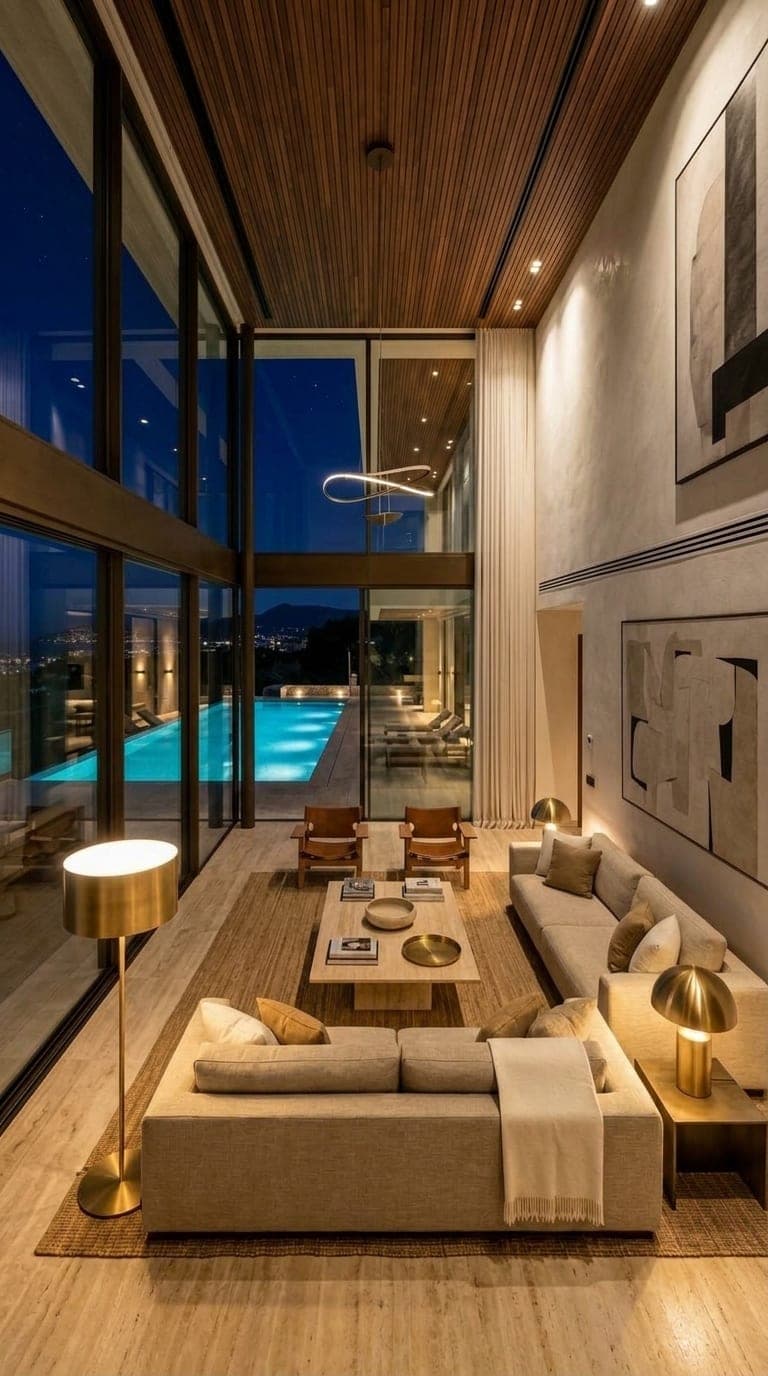
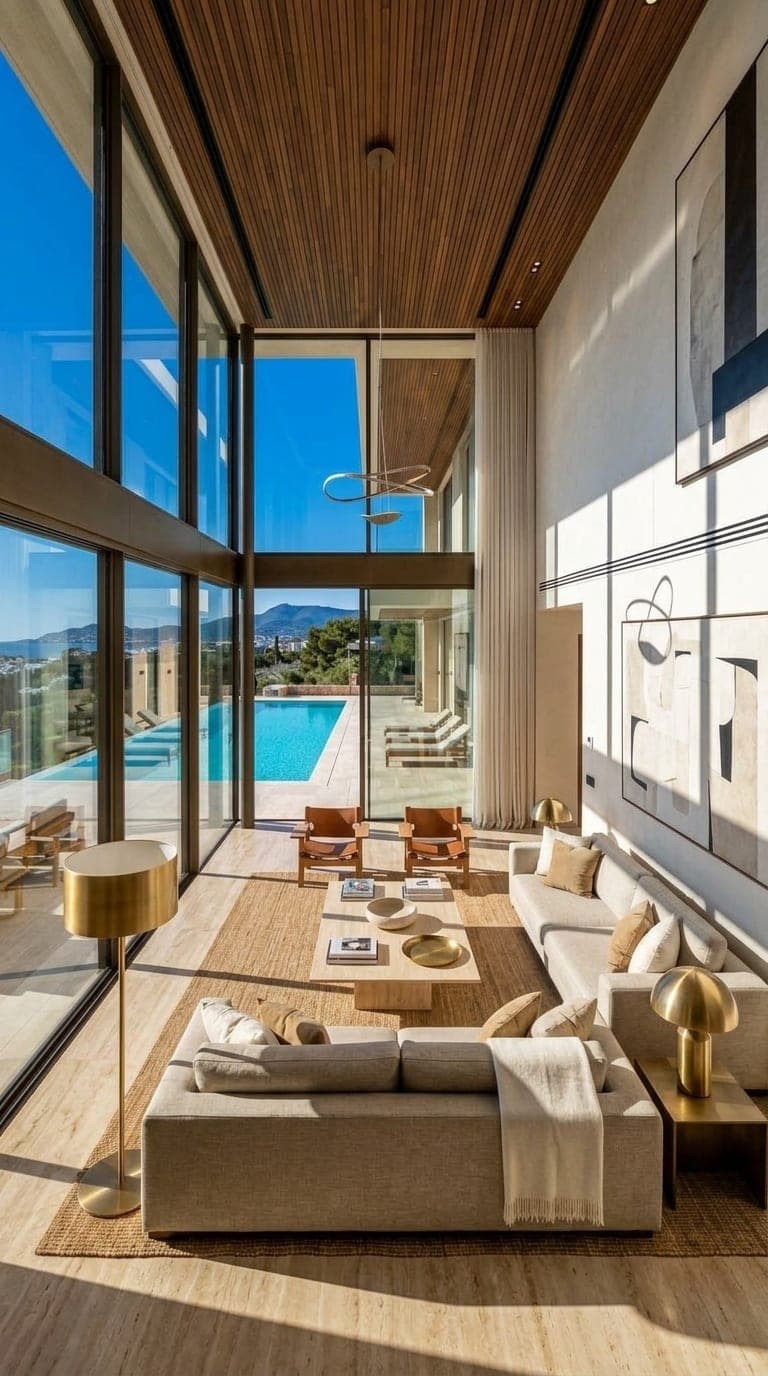
Upload a photo or a render and change its light without touching the design: midday into golden hour, day into night, sun into overcast, rain or snow. Pick a preset or describe the light you want in your own words. It's ideal for showing a building or a room at the time of day it looks best, or for a set of images that must all share one mood.
Nothing is locked behind a plan. New accounts get free credits, and you only pay for what you generate.
How it works
- 1
Upload a picture
A photo or a render of an interior or an exterior.
- 2
Choose the light
Golden hour, midday sun, blue hour, night, dawn, overcast, rain, fog, snow or cinematic, or describe your own.
- 3
Relight
Get the same scene in the new light, then keep, download or animate it.
What you get
- Day to night and night to day
- Golden hour, blue hour, dawn and midday presets
- Weather: sunny, overcast, rainy, foggy, snowy
- Describe any light in your own words
- The design, furniture and camera stay the same
- Animate the result into a video
Who it's for
- Architects showing a facade at dusk
- Real estate listings that need an evening shot
- Designers matching a set of renders to one mood
- Hotels and restaurants showing a space at night
Questions
Can AI turn a day photo into a night photo?
Yes. Choose Night or Blue hour and the same scene comes back lit for the evening, with lamps and windows glowing.
Will it change my design?
It shouldn't. Only the light changes; walls, furniture and the camera angle stay as they are.
Does it work on real photos or only renders?
Both. Upload a phone photo or a render.
How much does it cost?
Each relight uses credits, shown on the button before you press it. New accounts get free credits.
Keep exploring
Nothing is locked behind a plan. New accounts get free credits, and you only pay for what you generate.