Sketch to photoreal render
Upload a hand-drawn sketch or a screenshot of an untextured 3D model, and Architerior AI renders it as a photograph. The geometry follows your lines, so the proportions, openings and composition you drew stay as they are, while the AI adds materials, light and furniture in the style you choose. Upload several views of the same project and they are rendered as one consistent set. It works for interiors, exteriors and single pieces such as a door, a stair or a gate.
Nothing is locked behind a plan. New accounts get free credits, and you only pay for what you generate.
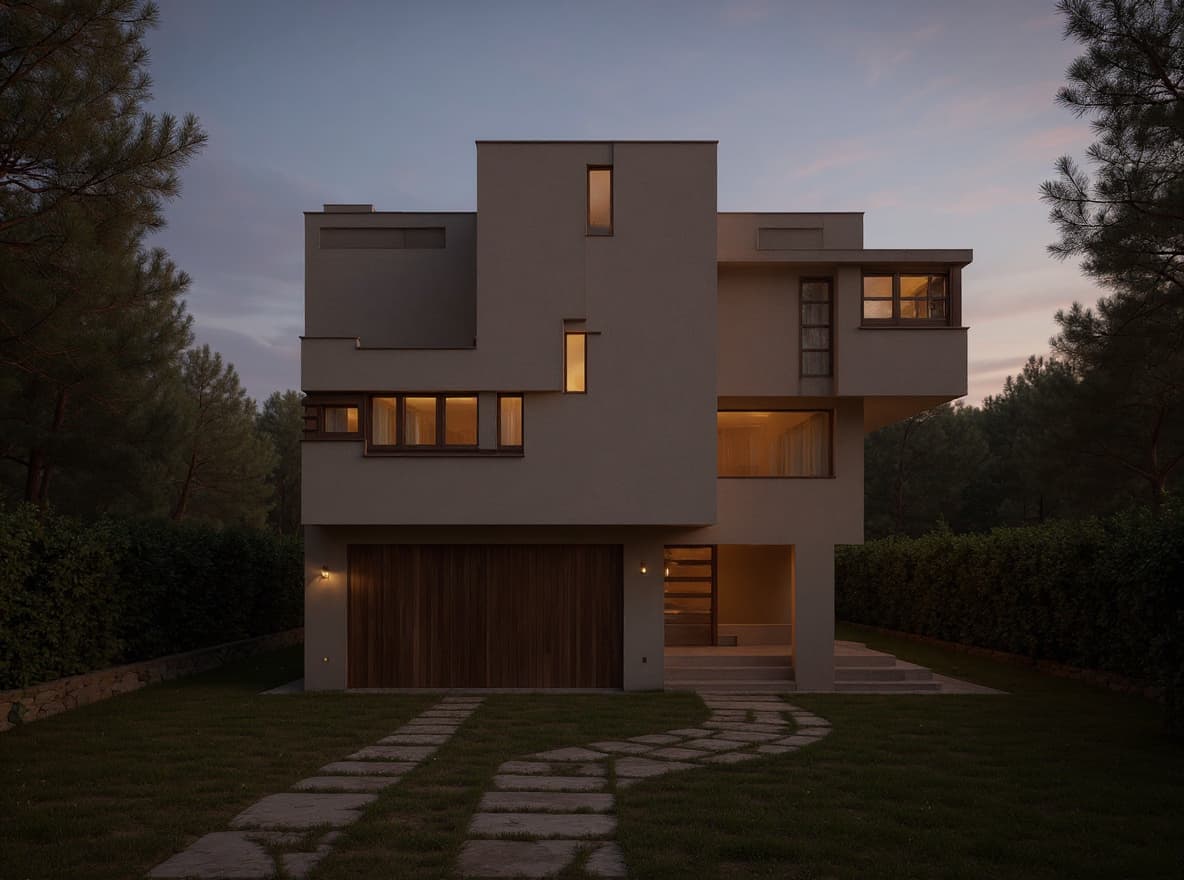
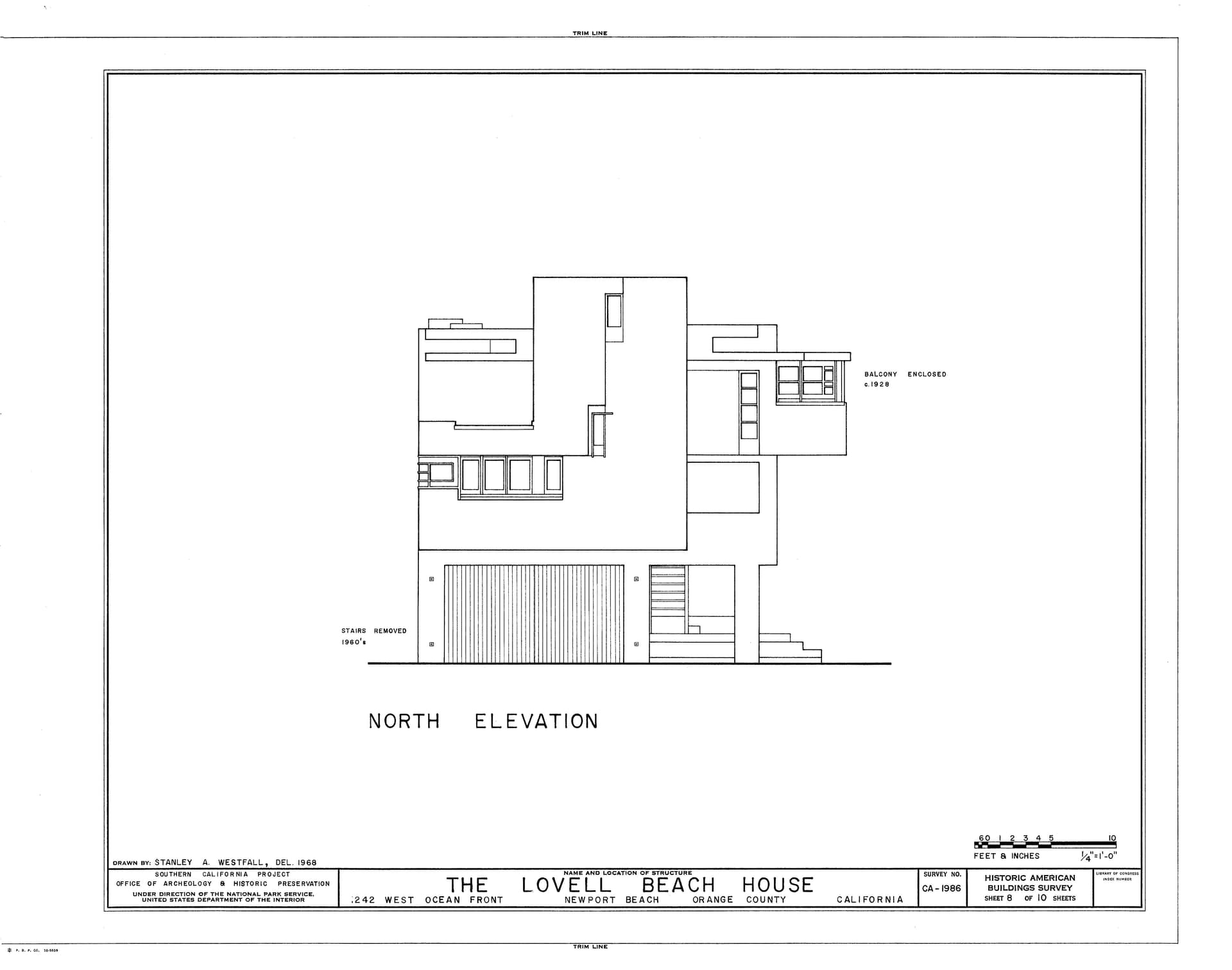
How it works
- 1
Upload the sketch
A photo or scan of a hand drawing, or a screenshot of a 3D model. Add more views of the same project if you have them.
- 2
Choose the look
Pick a style, add material photos or a material list, and write any notes in your own words.
- 3
Render and refine
Get the render, ask for changes in plain words, render more angles, relight it or turn it into a video.
What you get
- Keeps your lines, proportions and openings
- Hand sketches and plain 3D model views
- Several views rendered as one consistent set
- Use your own material photos and material schedule
- Interiors, exteriors and single pieces (doors, stairs, gates, joinery)
- Relight, upscale, retouch and 360° views
- Animate the render into a video
Who it's for
- Architects turning concept sketches into client-ready images
- Interior designers rendering a model without hours of texturing
- Students producing renders for a studio review
- Joinery and metalwork makers showing a product before it is made
Questions
Will the render follow my sketch exactly?
It keeps your composition, proportions and openings, and adds materials, light and detail. You can ask for changes in plain words afterwards.
Can I render a 3D model without textures?
Yes. Upload a screenshot of the model view and choose 3D render. The AI treats the model's geometry as fixed and adds realistic materials and lighting.
Can I render several angles that match?
Yes. Upload several views of the same project and they are rendered with the same materials and style, as one set.
How long does a render take?
Usually under a minute to a minute and a half, depending on the render engine you choose.
Keep exploring
Nothing is locked behind a plan. New accounts get free credits, and you only pay for what you generate.