Photorealistic renders, without a render farm
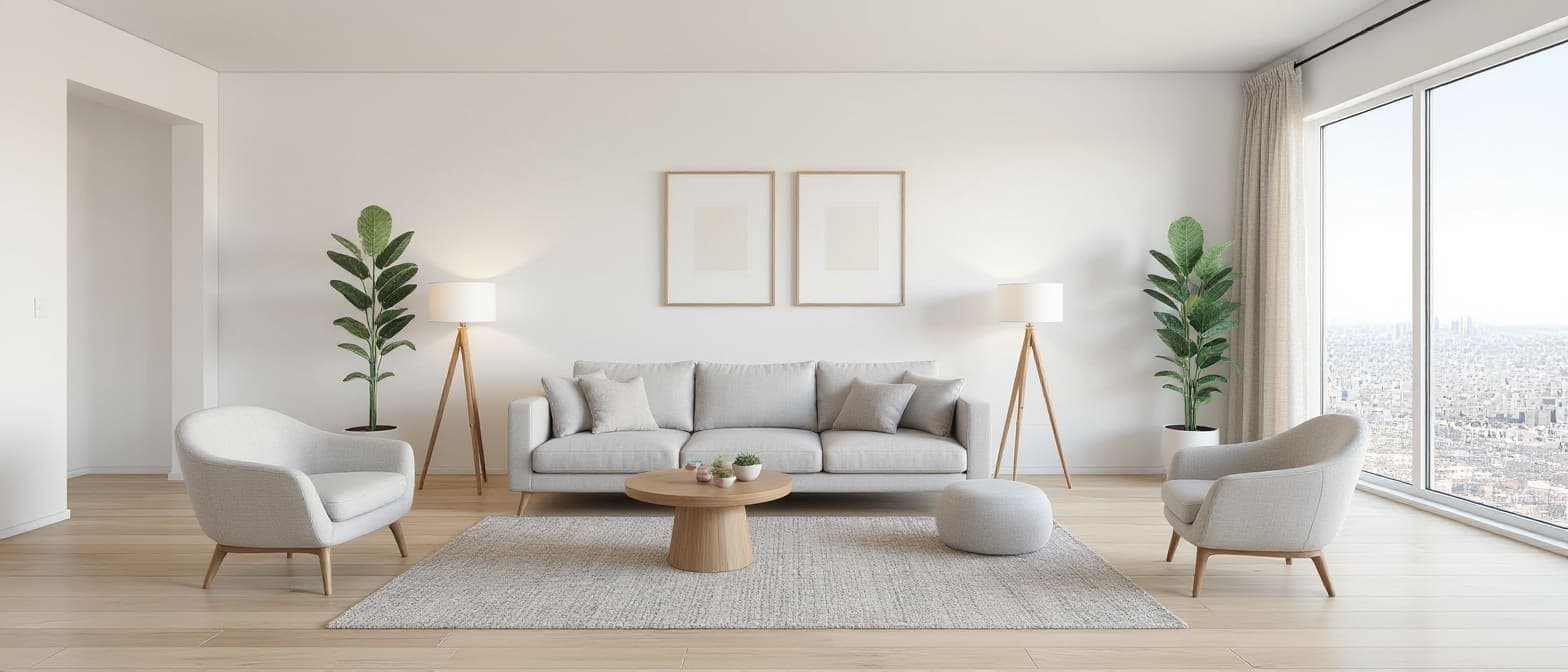
Architerior AI renders architecture and interiors online from whatever you have: a hand sketch, a screenshot of an untextured 3D model, a photo of a room, a floor plan, or just a description. Pick the style and the materials, choose from several AI render engines, and get a photorealistic image in about a minute. Then change it in plain words, render more matching angles, relight it, turn it into a 360° view or animate it into a video.
Nothing is locked behind a plan. New accounts get free credits, and you only pay for what you generate.
How it works
- 1
Bring your starting point
A sketch, a 3D model view, a room photo, a floor plan or a written description.
- 2
Set the look
Choose a style, list or photograph your materials, and pick the render engine and resolution.
- 3
Render and refine
Get the render, then edit it in words, add angles, relight it or animate it.
What you get
- Renders from sketches, 3D model views, room photos, plans or text
- Several AI render engines to choose from
- Resolution up to 4K on supported engines
- Your own materials, from a list or sample photos
- Matching angles rendered as one consistent set
- Edit, relight, 360° view, upscale and animate
Who it's for
- Architects presenting concepts
- Interior designers showing options to clients
- Developers producing marketing images
- Students preparing studio reviews
Questions
Do I need a 3D model to get a render?
No. You can start from a hand sketch, a room photo, a floor plan or a description. A 3D model view works too.
How long does a render take?
Usually about a minute, depending on the engine you choose.
What resolution can I get?
Up to 4K on the engines that support it, and you can upscale a finished render further.
How much does a render cost?
Each render uses credits, shown on the button before you press it. New accounts get free credits.
Keep exploring
Nothing is locked behind a plan. New accounts get free credits, and you only pay for what you generate.